Command Palette

Search for a command to run...

Allocate Elastic IP

Published
•1 min read•View as Markdown
Allocate Elastic IP
A

Infosec Poet and CAP-certified DevOps/SecOps Engineer, passionate about security, creativity, and continuous learning.

Tasks

  • For this task, allocate an Elastic IP address, name it as devops-eip.

Steps

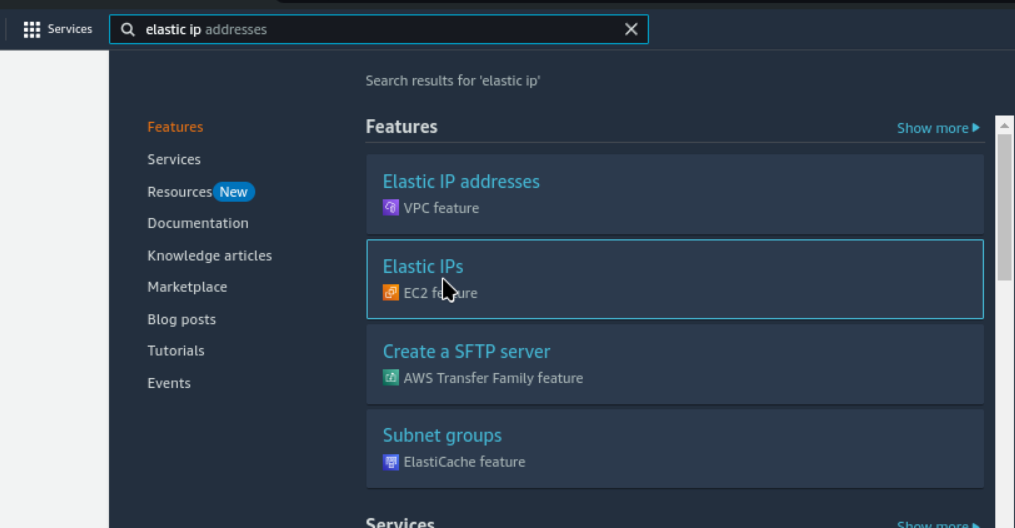
  1. Go to the aws feature elastic IP;

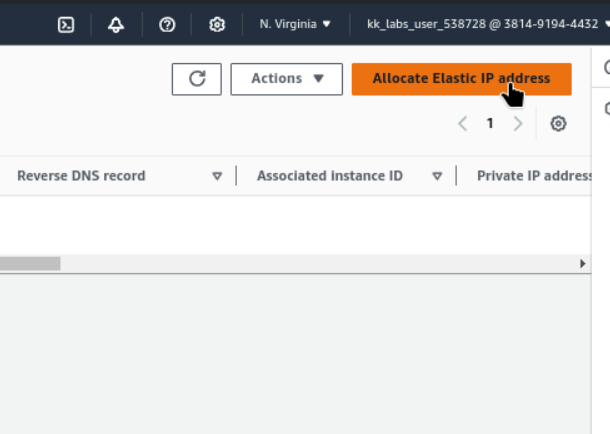
  2. Click on allocate elastic IP address.
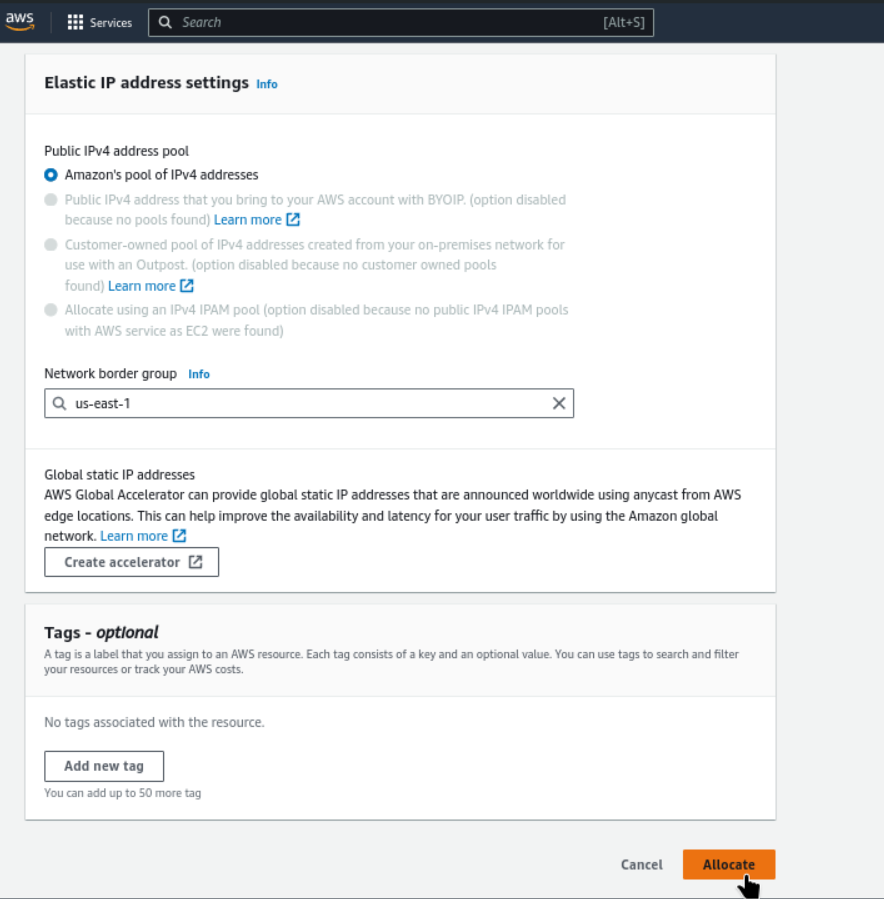
  3. Allocate now

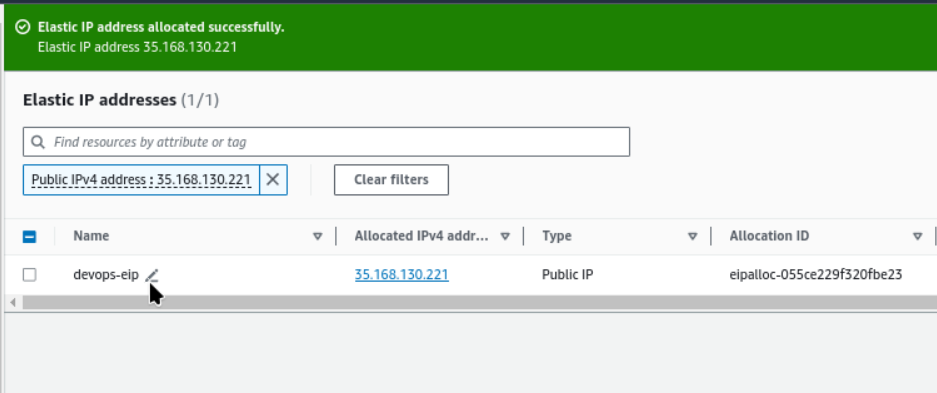
  4. Elastic IP allocated successfully and name it as devops-eip
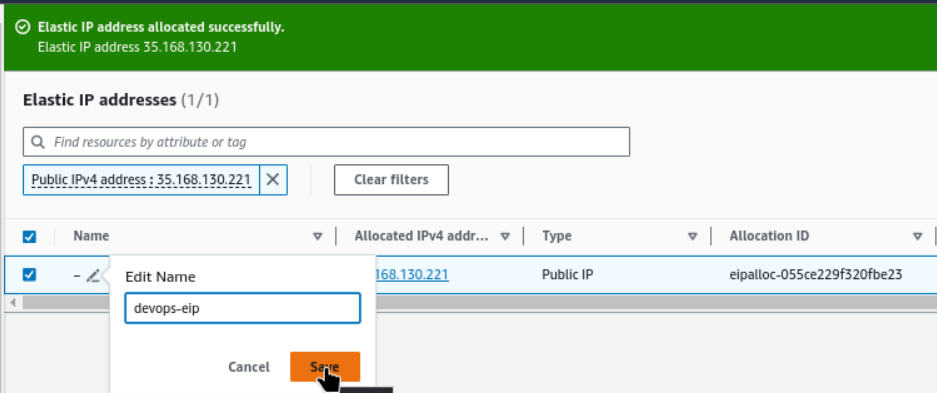
  5. We have elastic ip add named devops-eip now.

#happylearning

#aws

#elasticipadd

Cloud Platforms

Part 43 of 48

This series covers cloud platforms (AWS, Azure, GCP, OCI), including certifications, labs, issues, solutions, and billing. We'll also explore on-premises solutions and hybrid cloud environments.

Up next

Create Subnet

Tasks For this task, create one subnet named xfusion-subnet under default VPC. Steps We already have some 6 subnets here: We have to create another subnet named xfusion-subnetunder the default VPC. Click to Create Subnet: Choose default VPC...