

Attach Volume to EC2 Instance
Published
•1 min read
A
Infosec Poet and CAP-certified DevOps/SecOps Engineer, passionate about security, creativity, and continuous learning.
Tasks
- An instance named
datacenter-ec2and a volume nameddatacenter-volumealready exists inus-east-1region. Attach thedatacenter-volumevolume to thedatacenter-ec2instance, make sure to set the device name to/dev/sdbwhile attaching the volume.
Steps
Instance
datacenter-ec2is running state.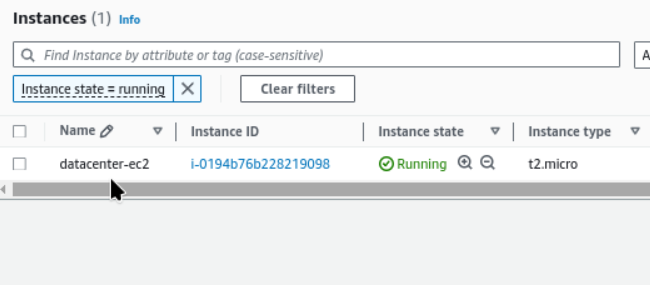
Given volume is also exist
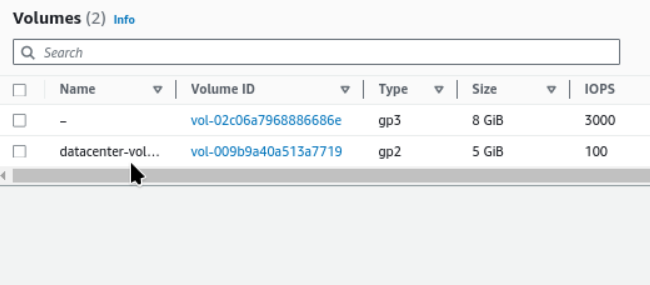
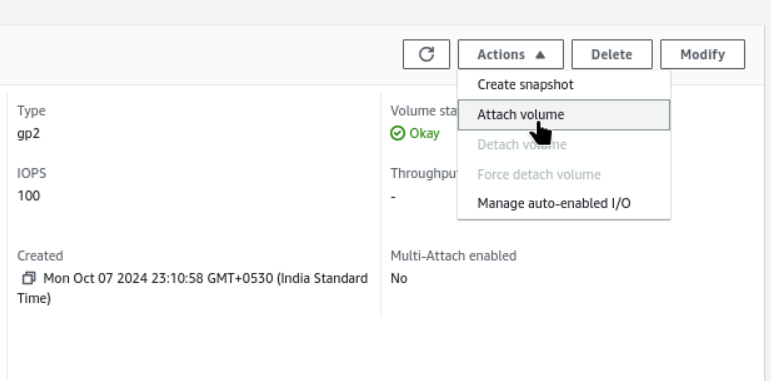
Select Attach Volume
EC2 → Volumes → vol-009b9a40a513a7719 → Attach volume
Select the running instance
datacenter-ec2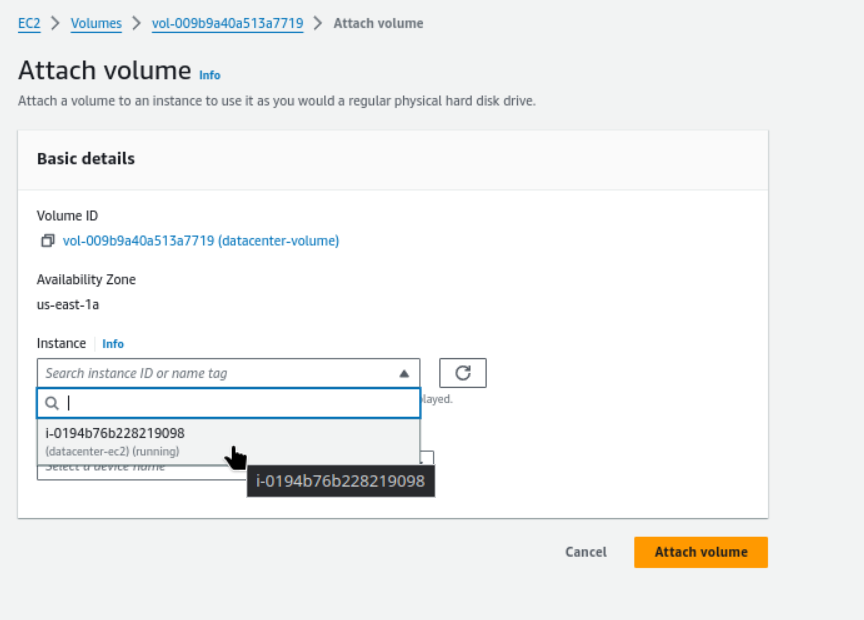
Device name
/dev/sdband attach now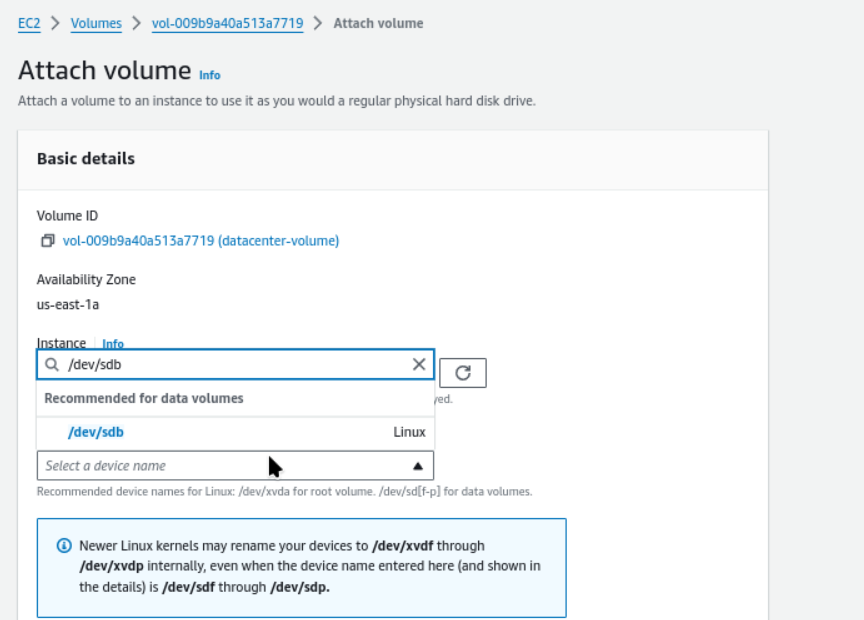
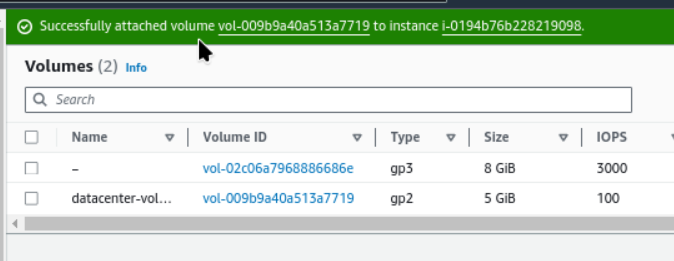
- Successfully attached volume vol-009b9a40a513a7719 to instance i-0194b76b228219098.
#cloudcomputing
#happylearning #aws


