

Create Security Group
Updated
•1 min read
A
Infosec Poet and CAP-certified DevOps/SecOps Engineer, passionate about security, creativity, and continuous learning.
Tasks
For this task, create a security group under default VPC with the following requirements:
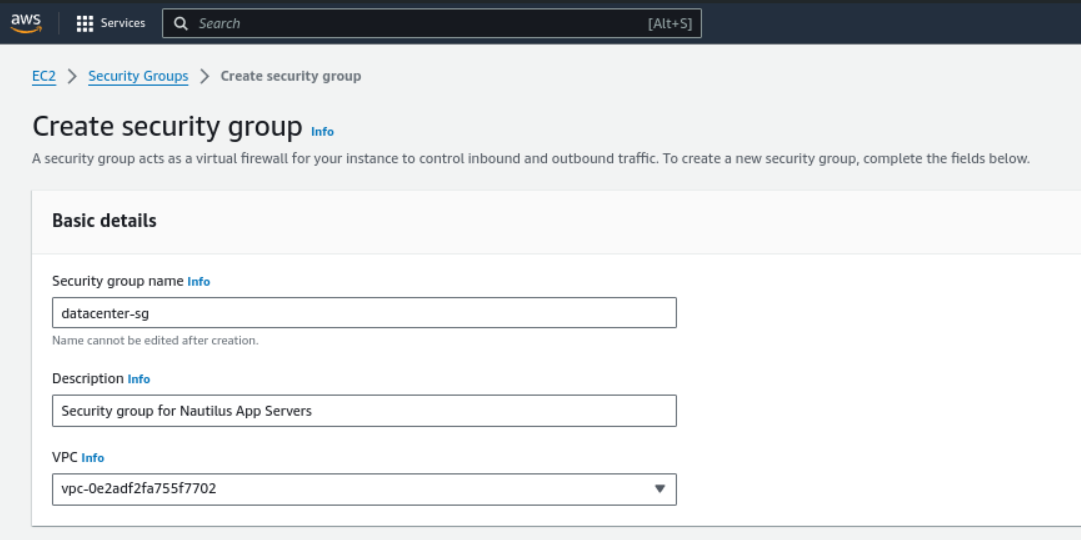
Name of the security group is
datacenter-sg.The description must be
Security group for Nautilus App ServersAdd the inbound rule of type
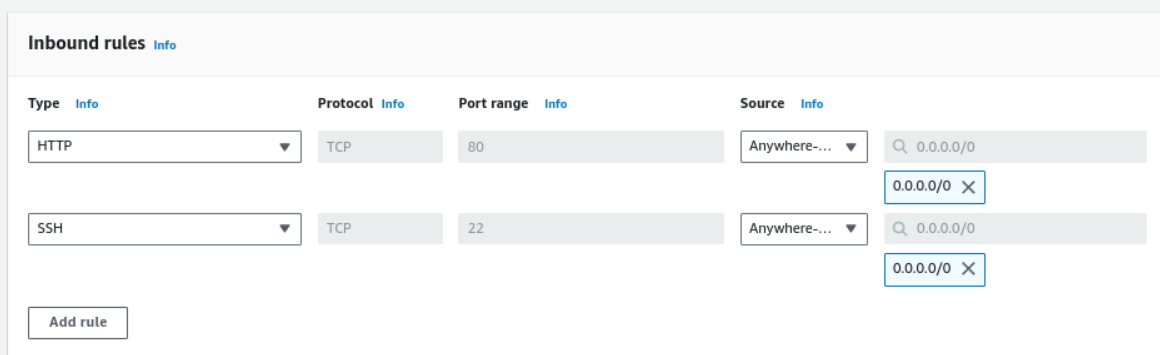
HTTP, with port range of80. Enter the source CIDR range of0.0.0.0/0.Add another inbound rule of type
SSH, with port range of22. Enter the source CIDR range of0.0.0.0/0.
Steps
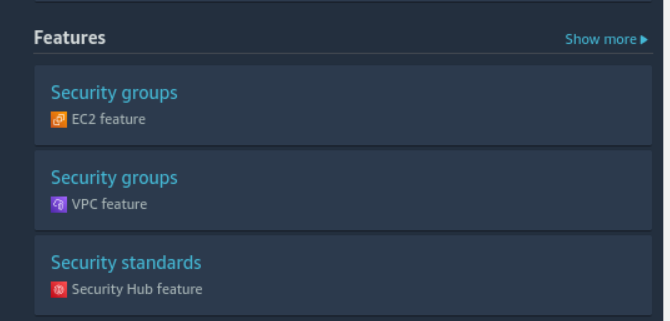
Find the service: Security Groups
Give name for security group and description
Inbound rules for http and ssh:
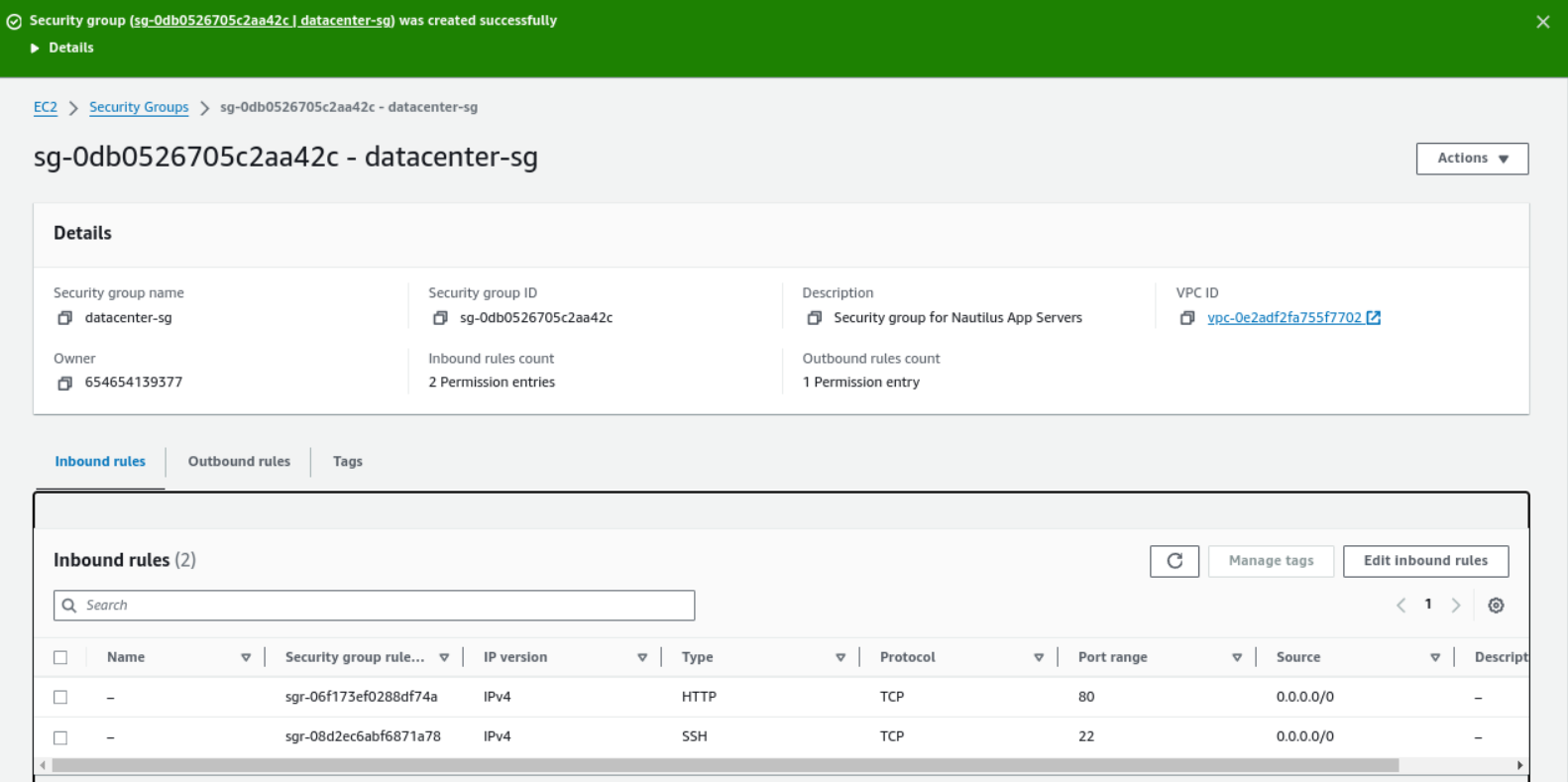
Security group was created successfully
#aws
#security_group
#happylearning


