Command Palette

Search for a command to run...

Delete RDS Instance

How to Delete an RDS Instance Easily

Published
1 min read
Delete RDS Instance
A

Infosec Poet and CAP-certified DevOps/SecOps Engineer, passionate about security, creativity, and continuous learning.

Tasks

  • Delete the RDS instance named datacenter-rds in the us-east-1 region.

  • Ensure the RDS instance is completely deleted before submitting this task.

Steps

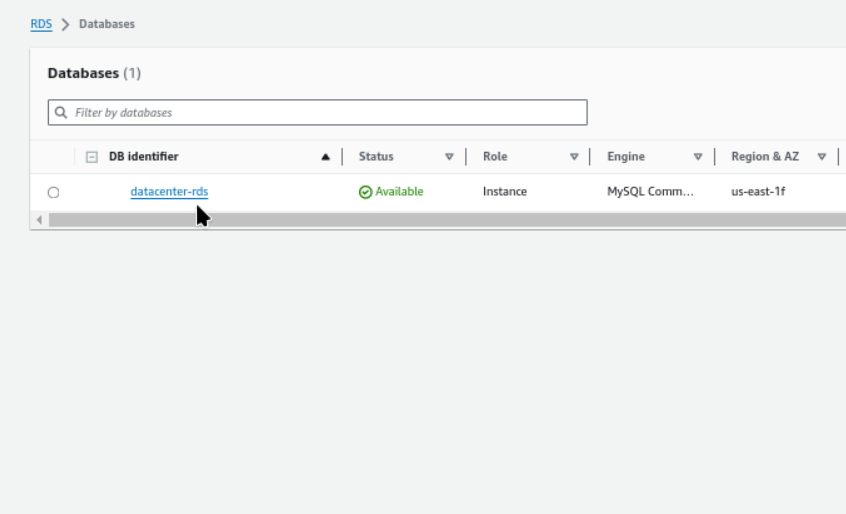
  1. RDS → Databases

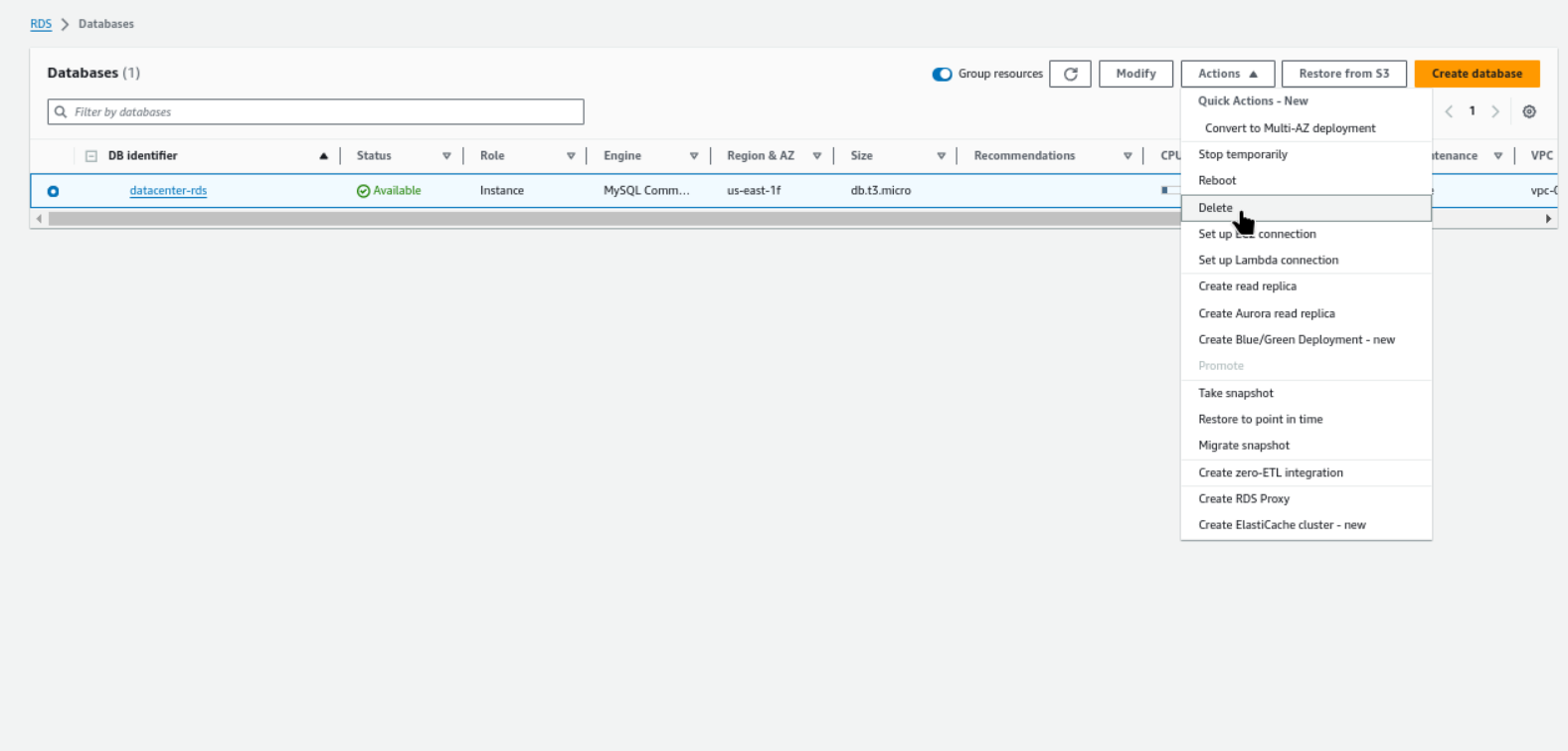
  2. RDS → Databases → Actions → Delete

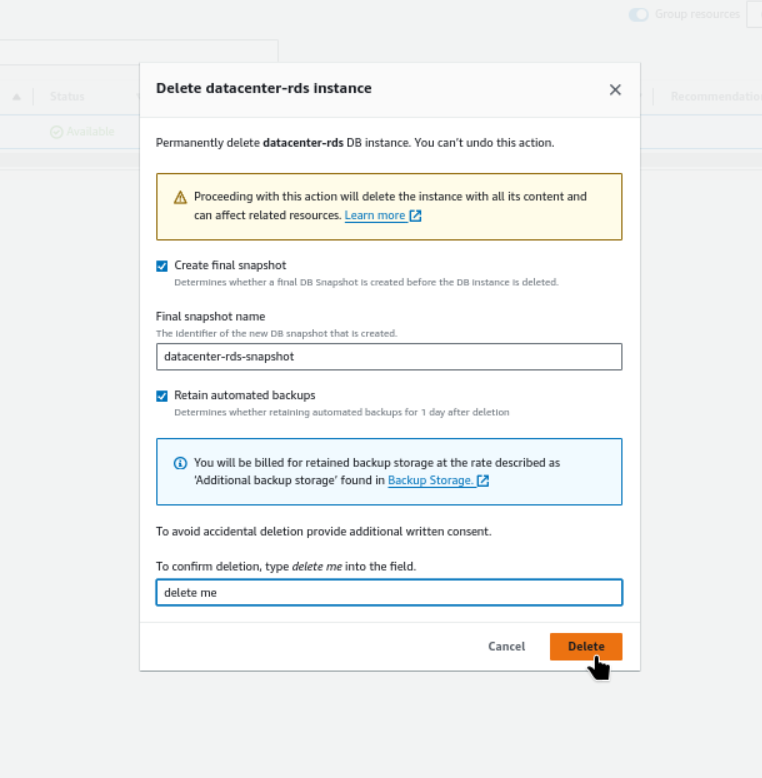
  3. Delete datacenter-rds instance → delete me → delete
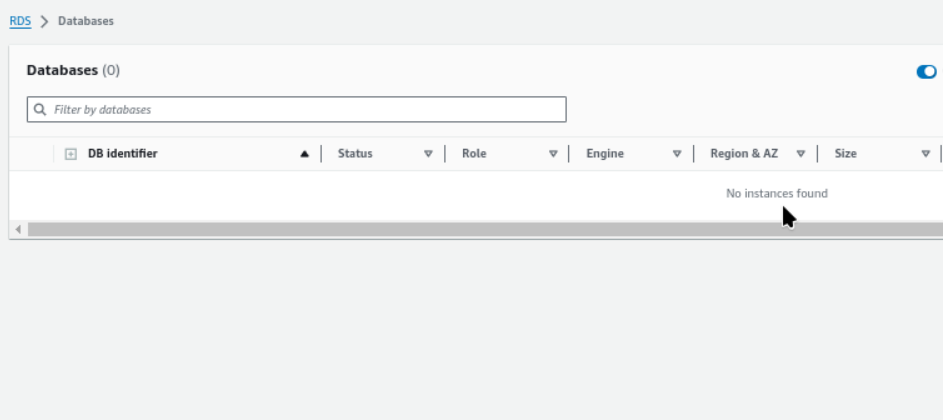
  4. RDS instance named datacenter-rds ; No instances found;
    #aws #cloudcomputing #happylearning

Cloud Platforms

Part 19 of 48

This series covers cloud platforms (AWS, Azure, GCP, OCI), including certifications, labs, issues, solutions, and billing. We'll also explore on-premises solutions and hybrid cloud environments.

Up next

Upgrade RDS MySQL Engine Version via AWS Console

Step-by-Step Guide to Upgrading RDS MySQL Version in the AWS Console