

Schedule Cronjobs in Kubernetes
Updated
•1 min read
A
Infosec Poet and CAP-certified DevOps/SecOps Engineer, passionate about security, creativity, and continuous learning.
Tasks
Create a cronjob named
xfusion.Set its schedule to something like
*/7 * * * *. You can set any schedule for now.Name the container
cron-xfusion.Utilize the
httpdimage withlatest tag(specify ashttpd:latest).Execute the dummy command
echo Welcome to xfusioncorp!.Ensure the restart policy is
OnFailure.
Steps
Create a manifest file
cronjob.yamlusing given details.apiVersion: batch/v1 kind: CronJob metadata: name: xfusion spec: schedule: "*/7 * * * *" jobTemplate: spec: template: spec: restartPolicy: OnFailure containers: - name: cron-xfusion image: httpd:latest command: ["echo", "Welcome to xfusioncorp!"]cat <<EOF > cronjob.yaml apiVersion: batch/v1 kind: CronJob metadata: name: xfusion spec: schedule: "*/7 * * * *" jobTemplate: spec: template: spec: restartPolicy: OnFailure containers: - name: cron-xfusion image: httpd:latest command: ["echo", "Welcome to xfusioncorp!"] EOF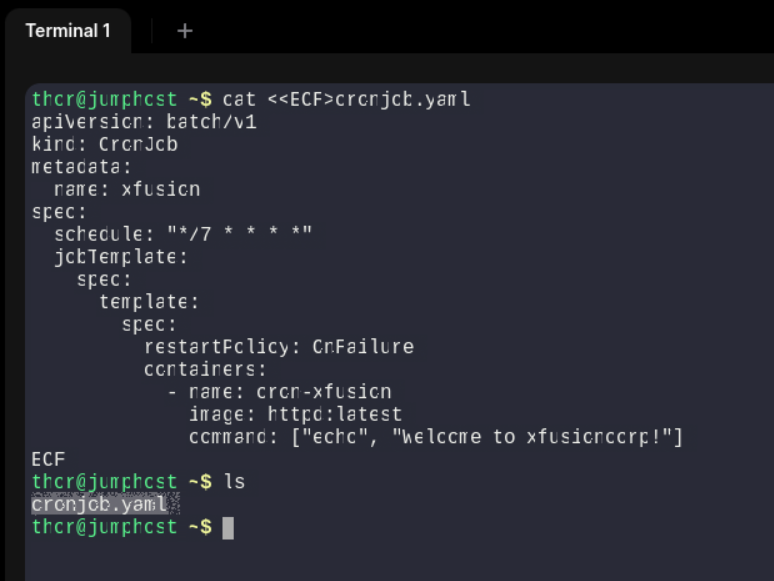
Now apply the yaml manifest file.
k apply -f cronjob.yaml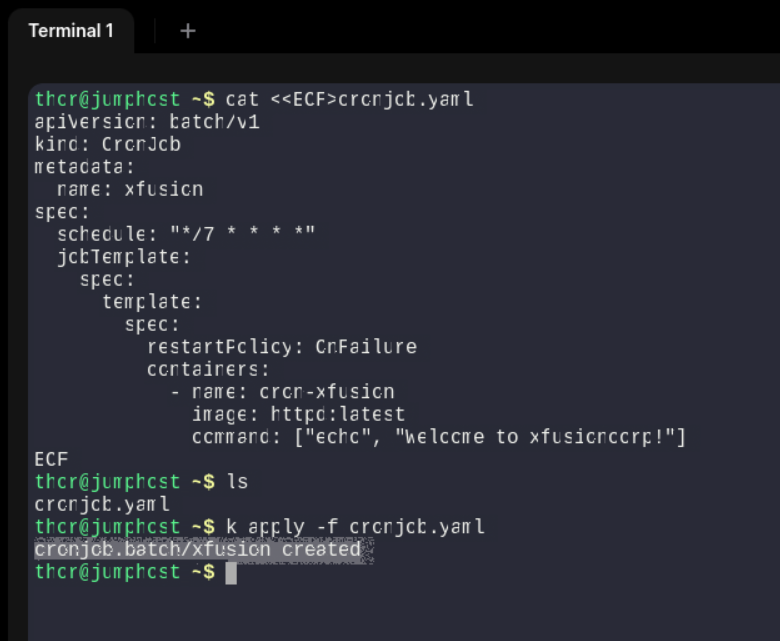
- We can also use
kubectl apply -f cronjob.yamltoo.
- We can also use
Let’s get the result.
k get cronjob -o wide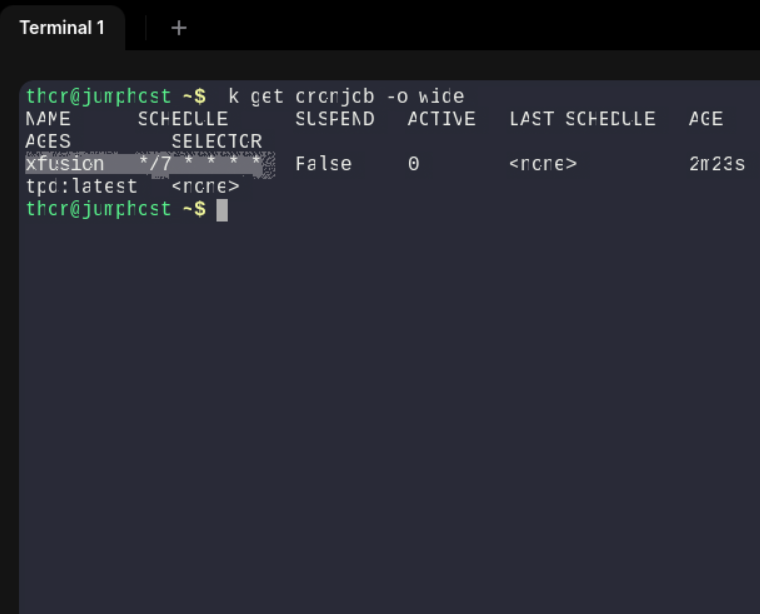
Describe the cronjob now.
k describe cronjob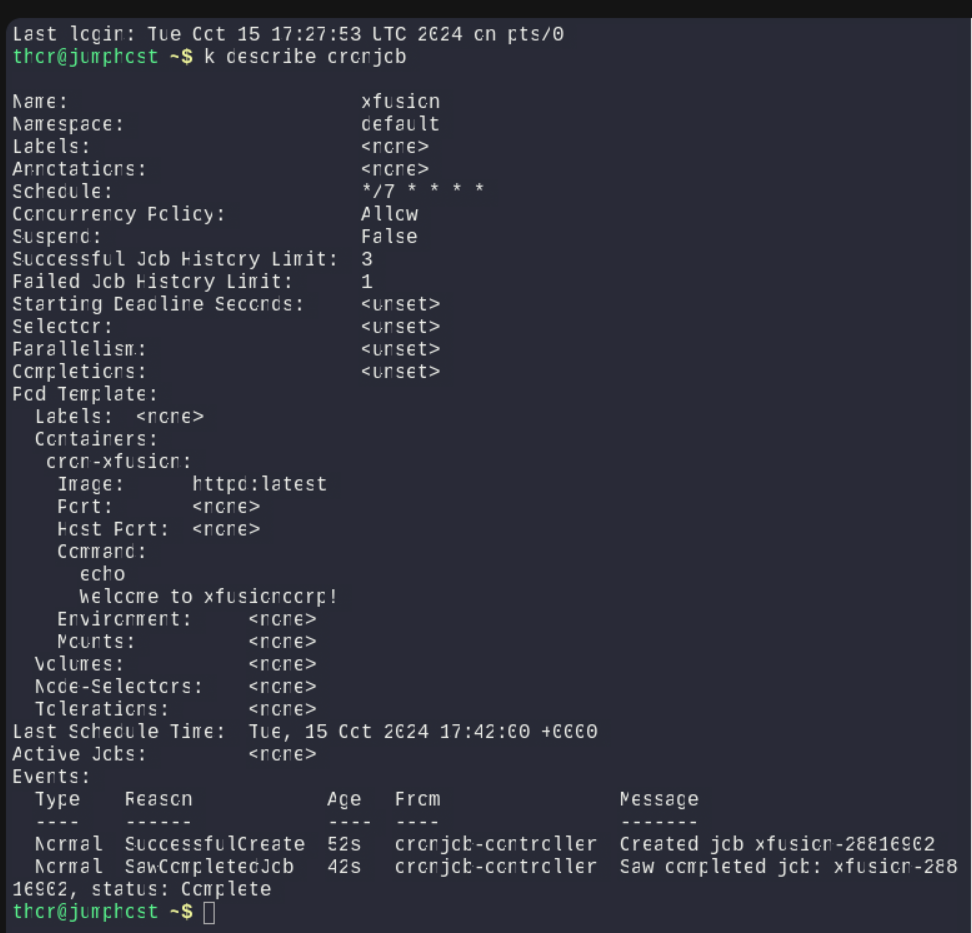
#cronjob #k8s #kubernetes #happylearning


