

Transfer Data to Existing S3 Bucket
Guide to Transferring Data into Your Current S3 Bucket
Updated
•1 min read
A
Infosec Poet and CAP-certified DevOps/SecOps Engineer, passionate about security, creativity, and continuous learning.
Tasks
- S3 bucket named
xfusion-cp-7889already exists. Copy the file/tmp/xfusion.txtto s3 bucketxfusion-cp-7889.
Steps
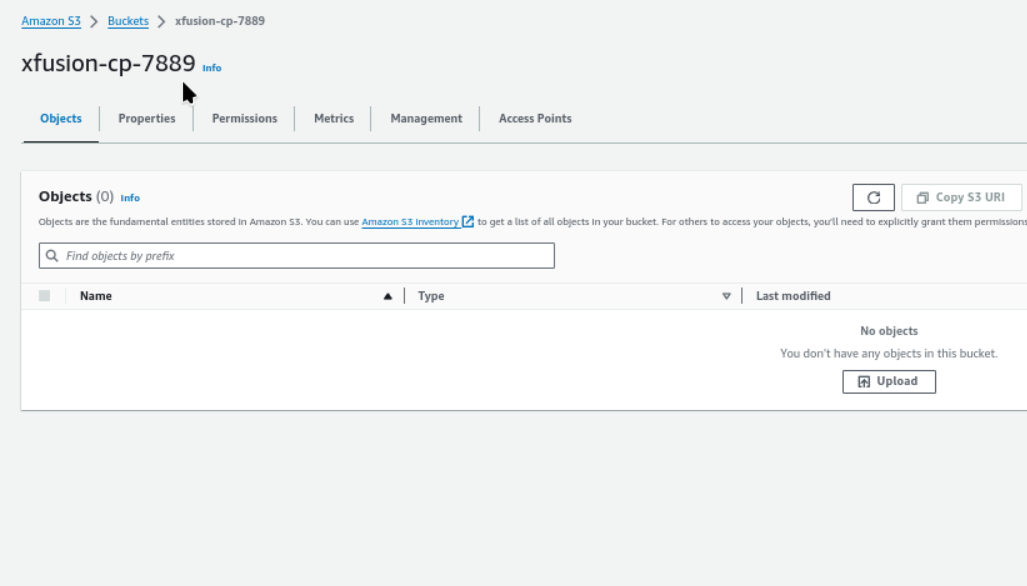
First of all checkout the s3 bucket, to ensure this is already exists.
- Amazon S3 → Buckets → xfusion-cp-7889
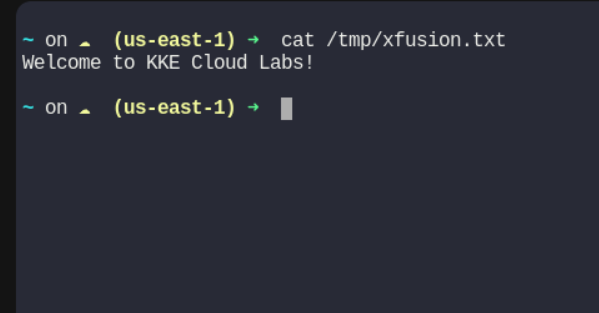
Verify the file on path, /tmp/xfusion.txt
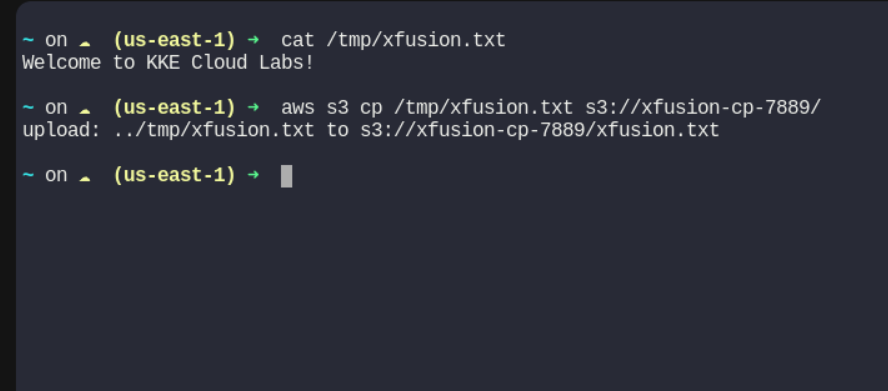
Now use command
aws s3 cp /tmp/xfusion.txt s3://xfusion-cp-7889/
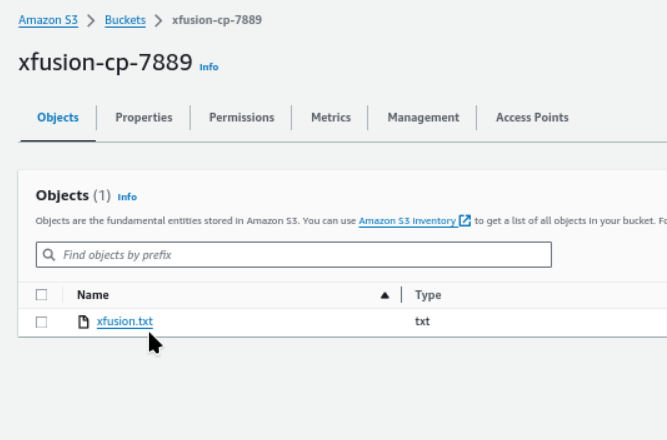
Refresh and check, we can see the txt file is copied to S3 bucket.
#aws #cloudcomputing #happylearning


