

Create AMI from EC2 Instance
How to Create an AMI from an EC2 Instance
Updated
•1 min read
A
Infosec Poet and CAP-certified DevOps/SecOps Engineer, passionate about security, creativity, and continuous learning.
Tasks
For this task, create an AMI from an existing EC2 instance named nautilus-ec2 with the following requirement:
- Name of the AMI should be
nautilus-ec2-ami, make sure AMI is inavailablestate.
Steps
Our
nautilus-ec2instance is running state.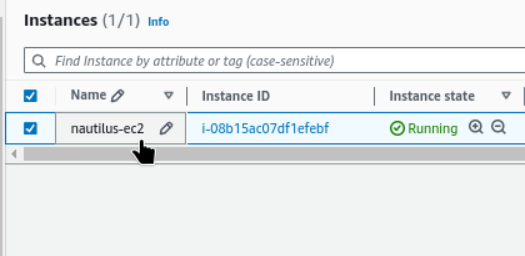
Select the instance then → Actions → Image and Templates → Create Image
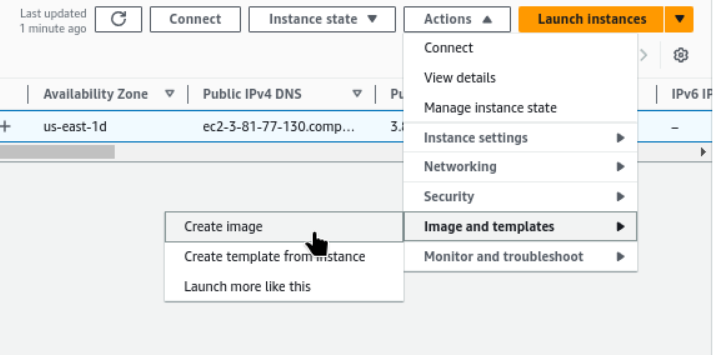
Create Image now providing AMI name
nautilus-ec2-ami. And unchecked to Reboot Instance.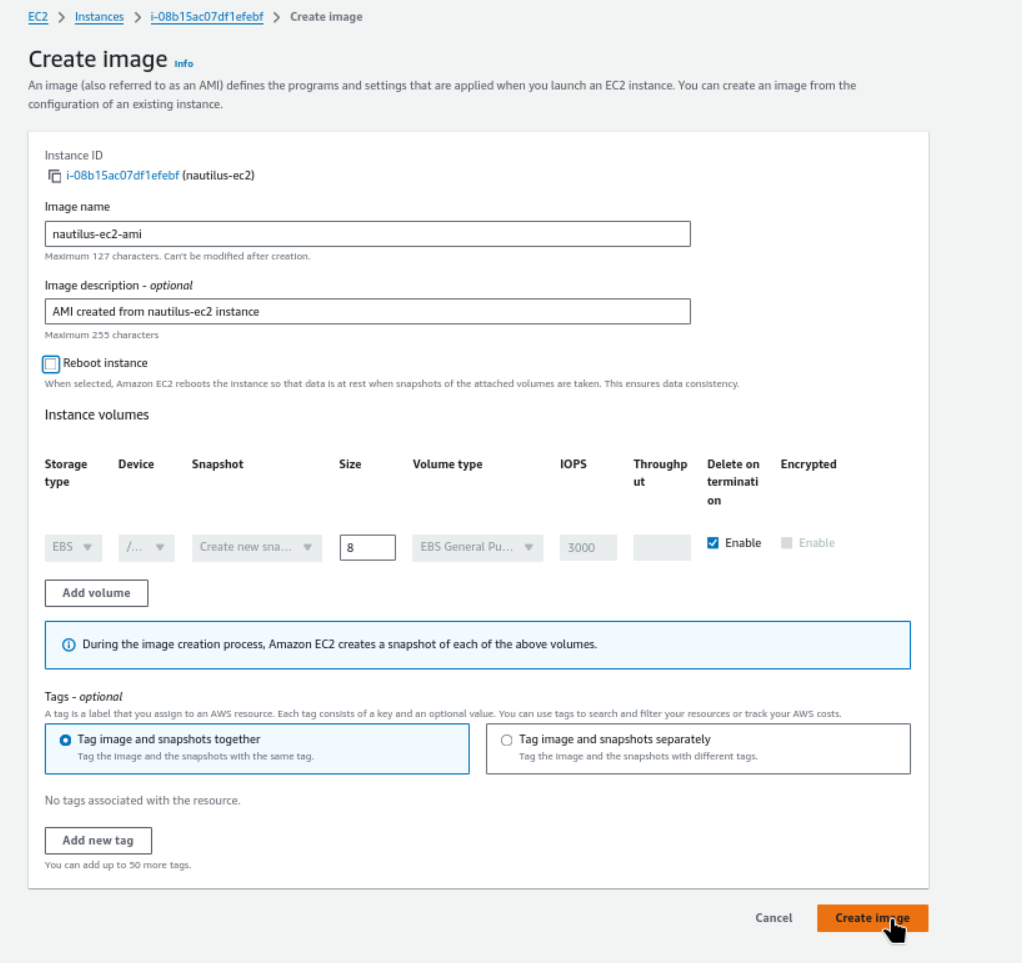
Currently creating AMI ami-08ebf8d3a3eede7e1 from instance i-08b15ac07df1efebf.
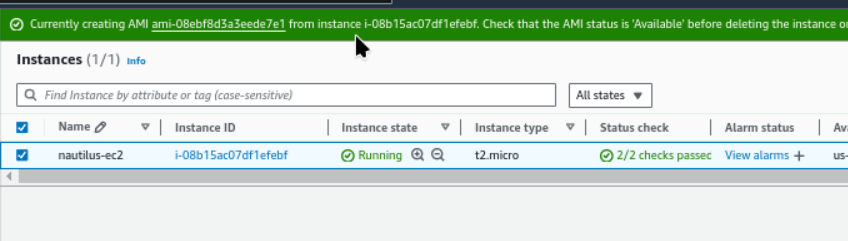
We can get our Amazon Machine Images (AMIs) ,
nautilus-ec2-amihere.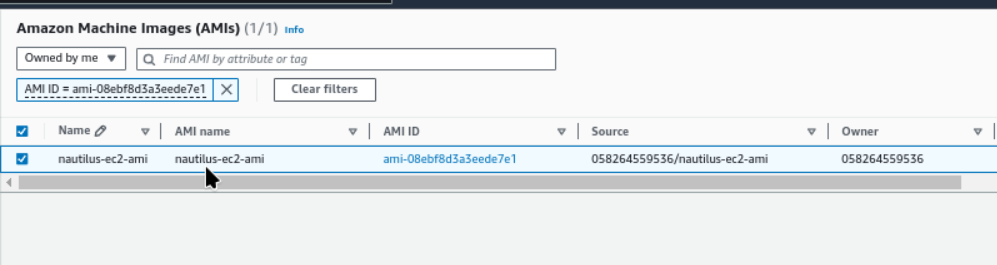
#aws #cloudcomputing #happylearning


