Command Palette

Search for a command to run...

Create GP3 Volume

Updated
1 min read
Create GP3 Volume
A

Infosec Poet and CAP-certified DevOps/SecOps Engineer, passionate about security, creativity, and continuous learning.

Tasks

  • Create a volume with the following requirements:

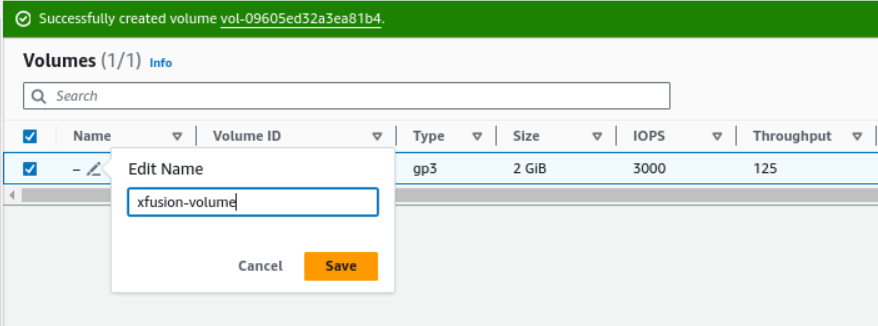
  • Name of the volume should be xfusion-volume.

  • Volume type must be gp3.

  • Volume size must be 2 GiB.

Steps

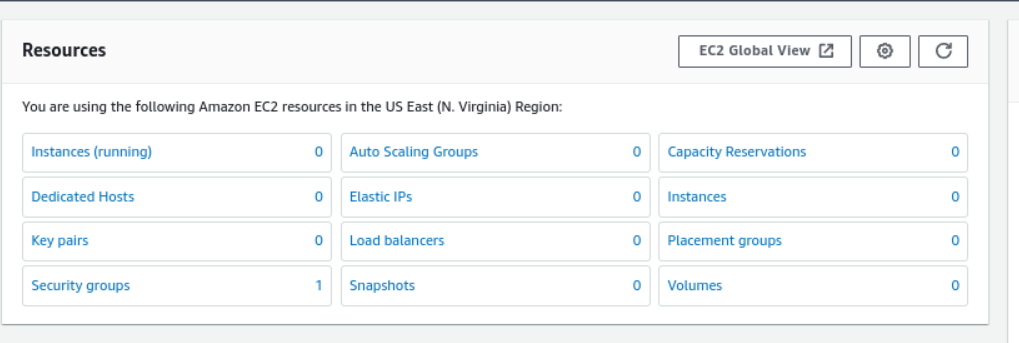
  1. Go to volumes :

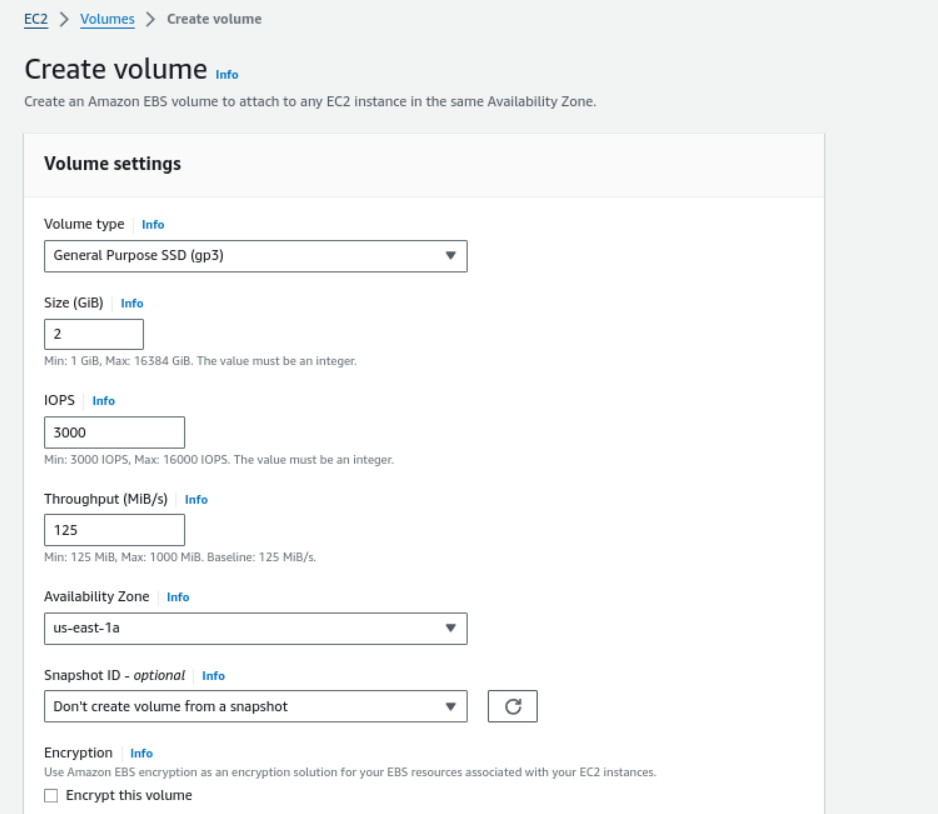
  2. As per tasks:

    - Volume type : gp3

    - Volume size : 2GiB
  3. Name the volume:

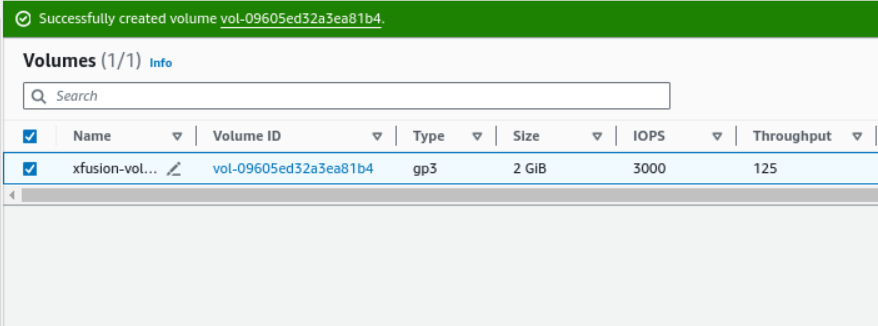
  4. Successfully created volume, xfusion-volume.
#happylearning

#aws

#cloudcomputing

Cloud Platforms

Part 45 of 48

This series covers cloud platforms (AWS, Azure, GCP, OCI), including certifications, labs, issues, solutions, and billing. We'll also explore on-premises solutions and hybrid cloud environments.

Up next

Create Security Group

Tasks For this task, create a security group under default VPC with the following requirements: Name of the security group is datacenter-sg. The description must be Security group for Nautilus App Servers Add the inbound rule of type HTTP, with po...