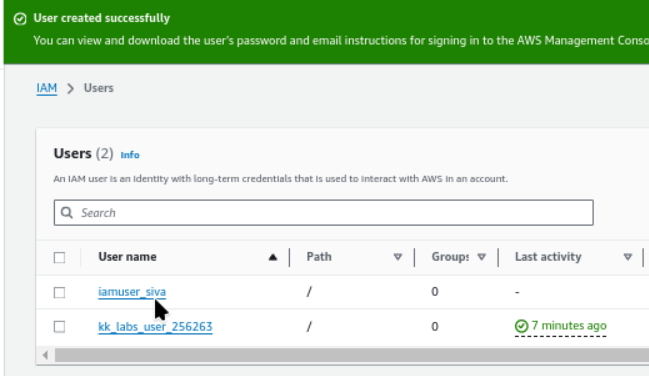
Create IAM User
How to Set Up an IAM User Step-by-Step
Updated
•1 min read
A
Infosec Poet and CAP-certified DevOps/SecOps Engineer, passionate about security, creativity, and continuous learning.
Introduction
When establishing infrastructure on the AWS cloud, Identity and Access Management (IAM) is among the first and most critical services to configure. IAM facilitates the creation and management of user accounts, groups, roles, policies, and other access controls.
Tasks
- For this task, create an IAM user named
iamuser_siva.
Steps
Pick the service IAM.
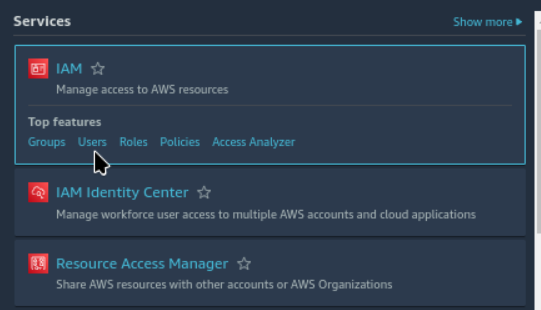
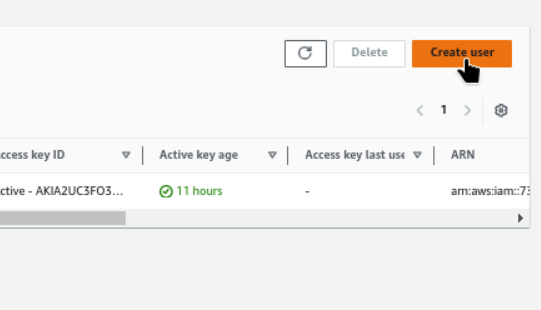
Follow the path. IAM → Users → Create User
Give User Name,
iamuser_siva.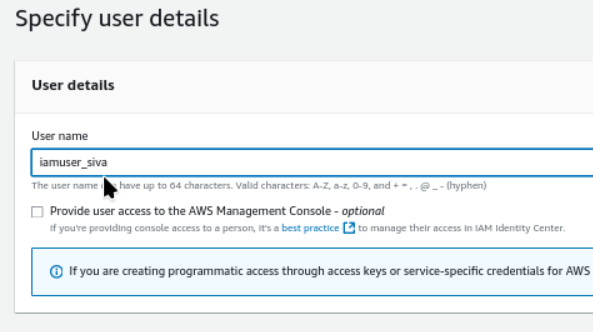
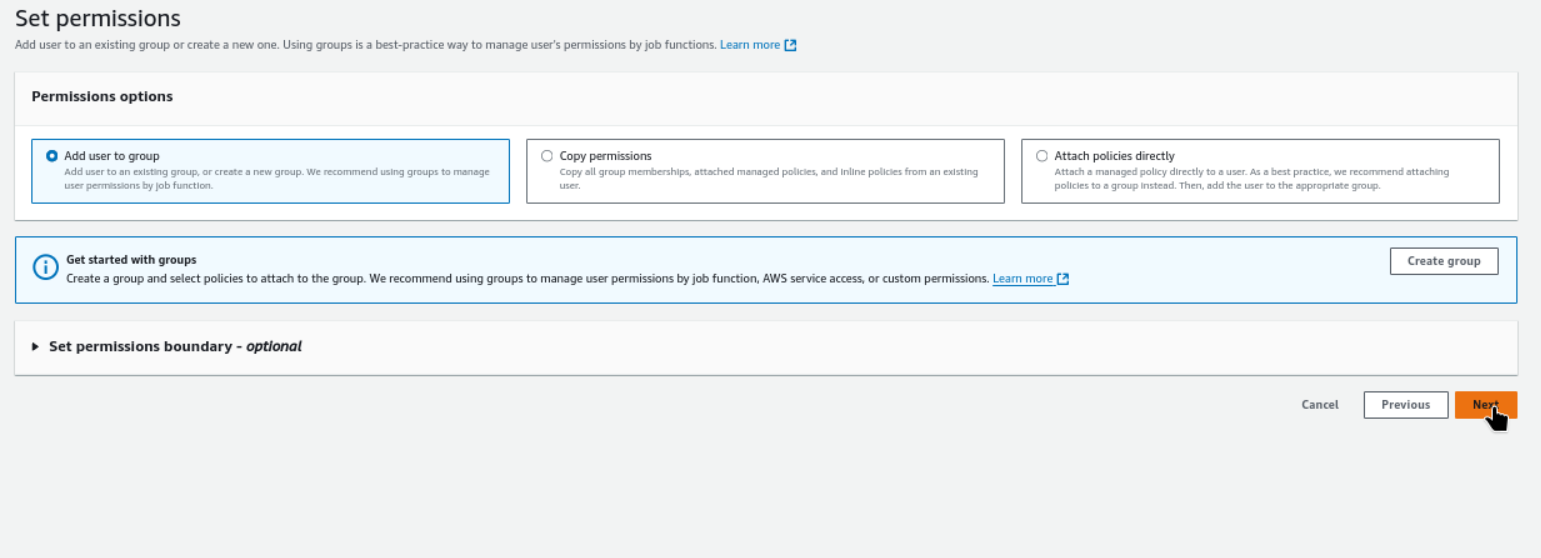
Set Permissions
Create user now.
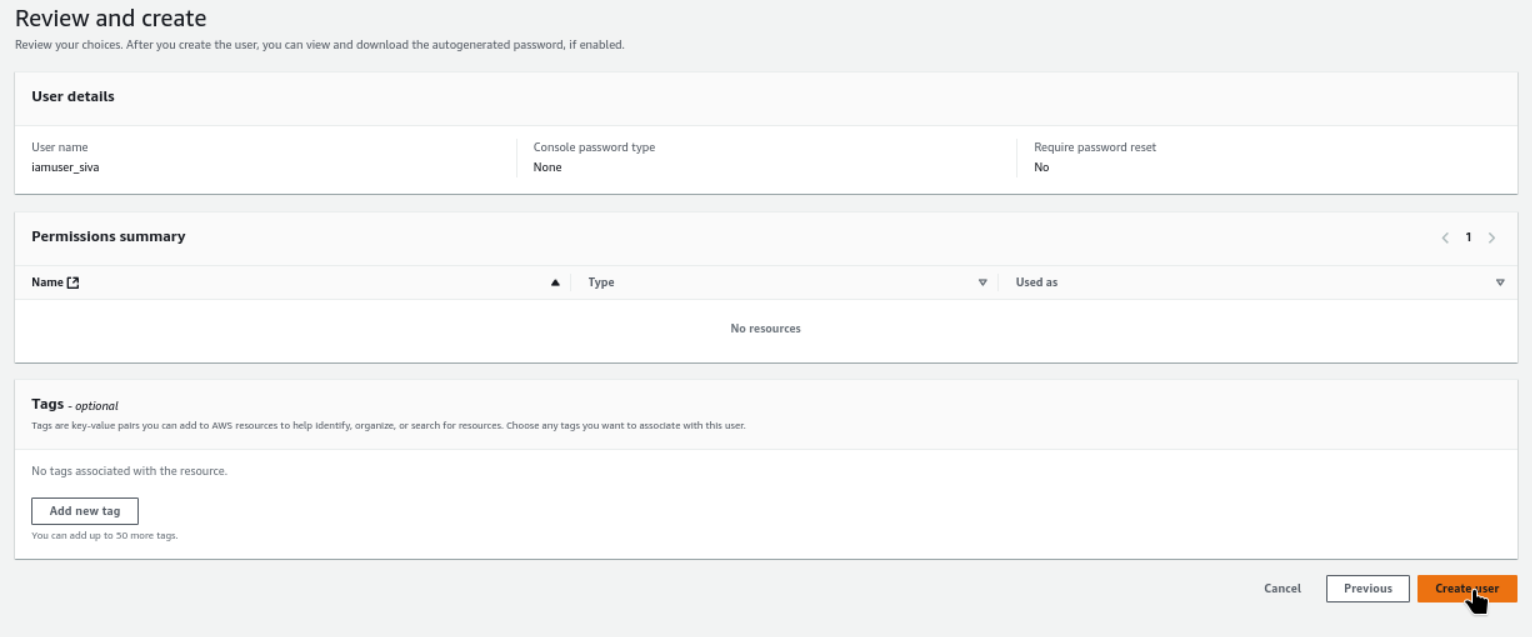
User created successfully