Create Volume Snapshot
How to Easily Create a Volume Snapshot
Updated
•1 min read
A
Infosec Poet and CAP-certified DevOps/SecOps Engineer, passionate about security, creativity, and continuous learning.
Tasks
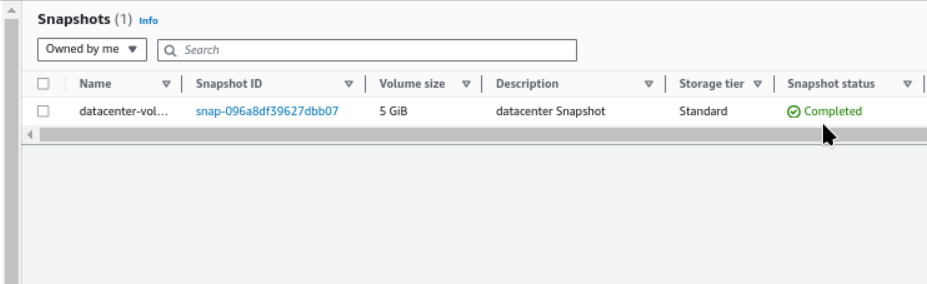
Create a snapshot of an existing volume named datacenter-vol in us-east-1 region.
The name of the snapshot must be
datacenter-vol-ss.The description must be
datacenter Snapshot.Make sure the snapshot status is
completedbefore submitting the task.
Steps
We have volume named
datacenter-vol.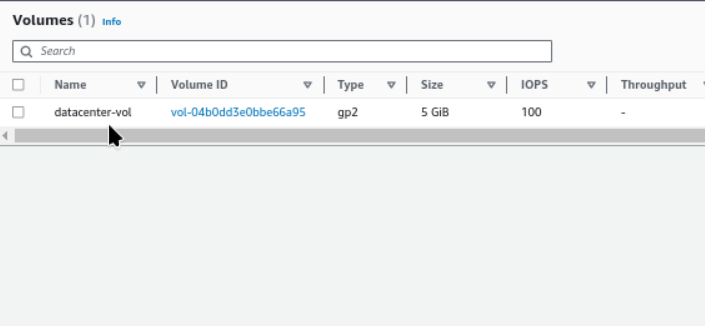
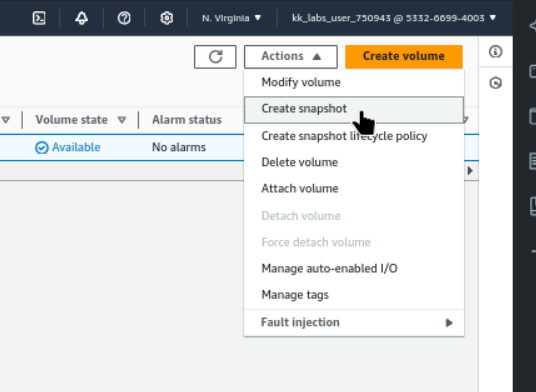
Select the volume and actions → Create Snapshot
Create snapshot with description,
datacenter Snapshot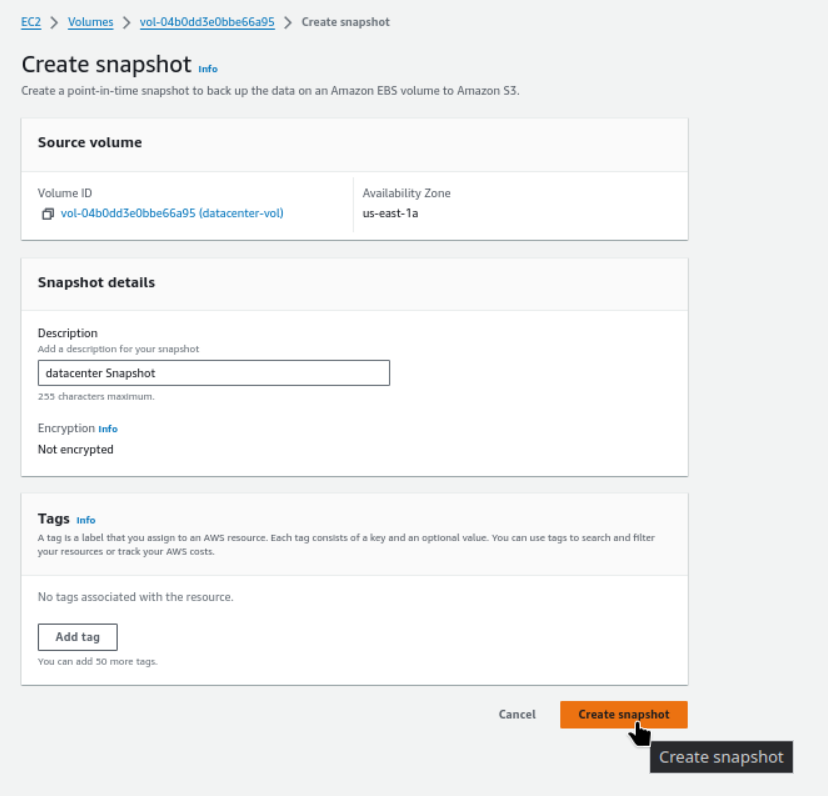
Name the snapshot,
datacenter-vol-ss.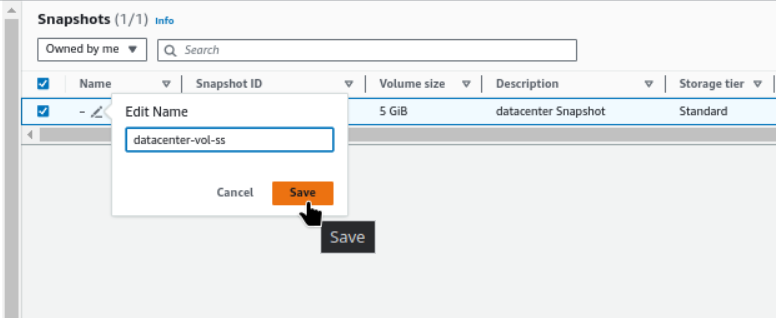
The given snapshot status is
completednow.