

Terminate EC2 Instance
How to End Your EC2 Instance
Published
•1 min read
A
Infosec Poet and CAP-certified DevOps/SecOps Engineer, passionate about security, creativity, and continuous learning.
Tasks
Delete the ec2 instance named
xfusion-ec2present inus-east-1region.Before submitting your task, make sure instance is in
terminatedstate.
Steps
Select the ec2 instance name
xfusion-ec2.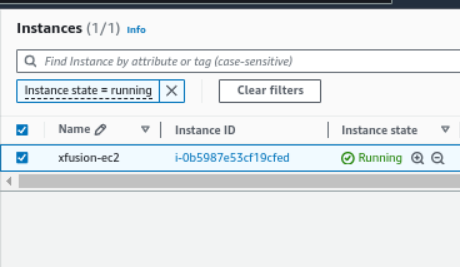
Select Instance and then Instance State → Terminate(delete Instance)
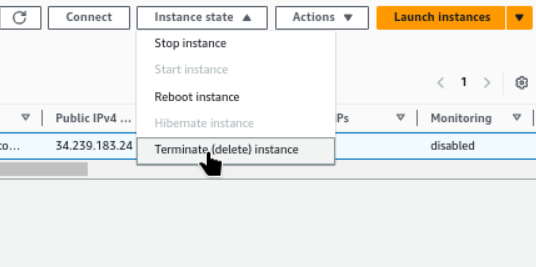
Terminate (delete) instance now.
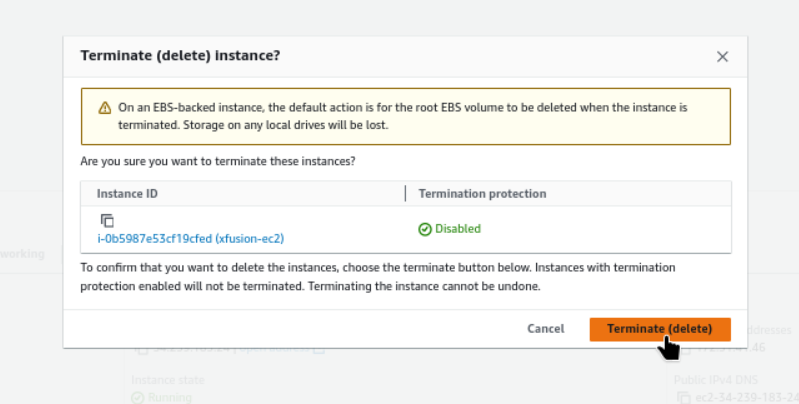
Instance is in
terminatedstate now.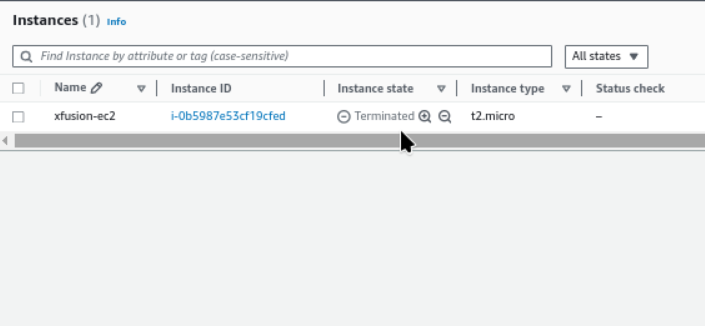
#aws #cloudcomputing #happylearning


