Create Read-Only IAM Policy for EC2 Console Access
How to Set Up an IAM Policy for Read-Only Access to the EC2 Console
Updated
•1 min read
A
Infosec Poet and CAP-certified DevOps/SecOps Engineer, passionate about security, creativity, and continuous learning.
Tasks
- Create an IAM policy named
iampolicy_roseinus-east-1region, it must allow read-only access to the EC2 console, i.e this policy must allow users to view all instances, AMIs, and snapshots in the Amazon EC2 console.
Steps
Select Policies under IAM.
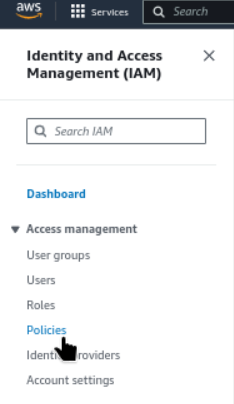
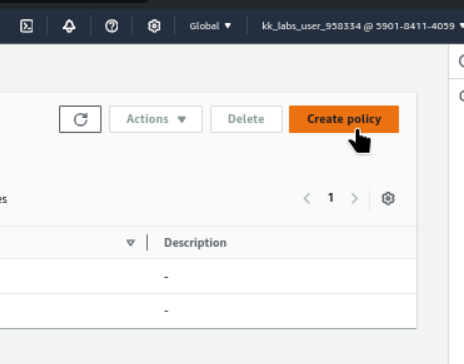
IAM → Policies → Create Policy
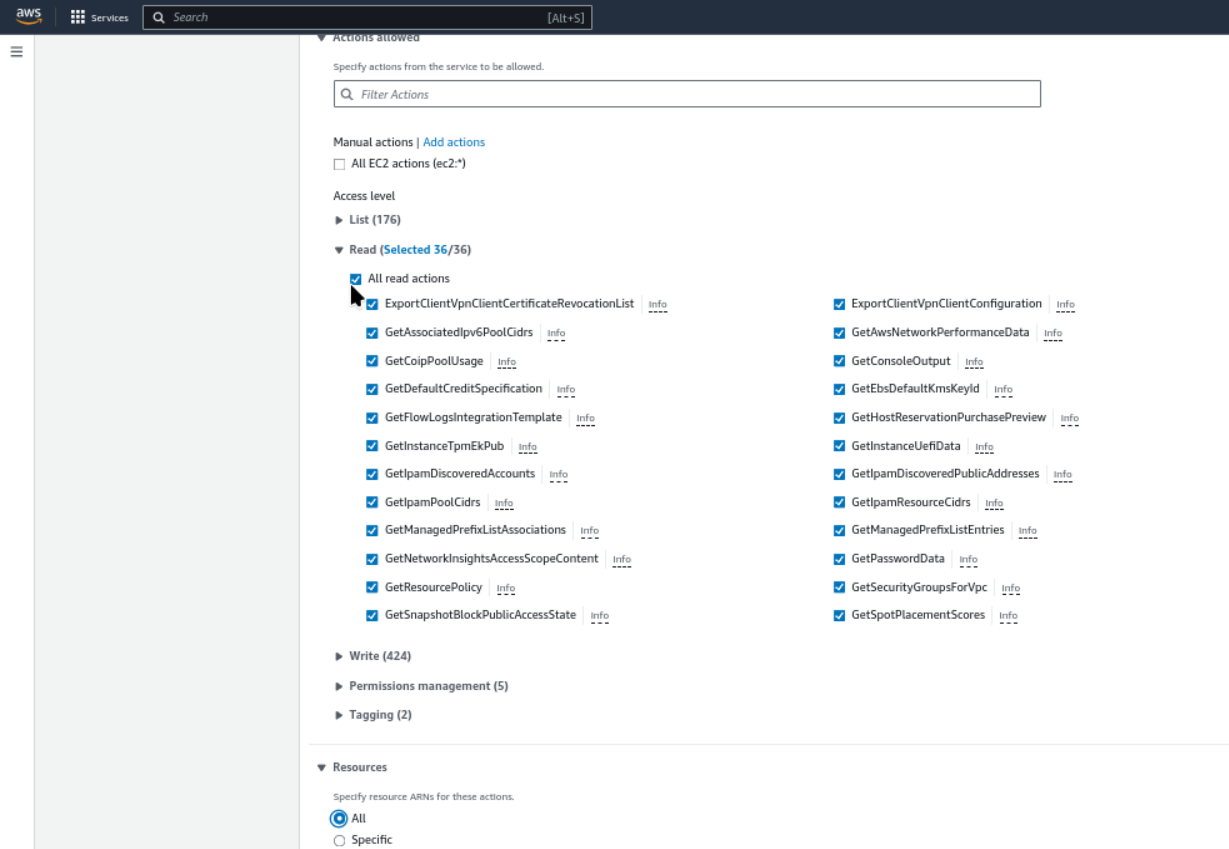
Specify permissions → Select a service
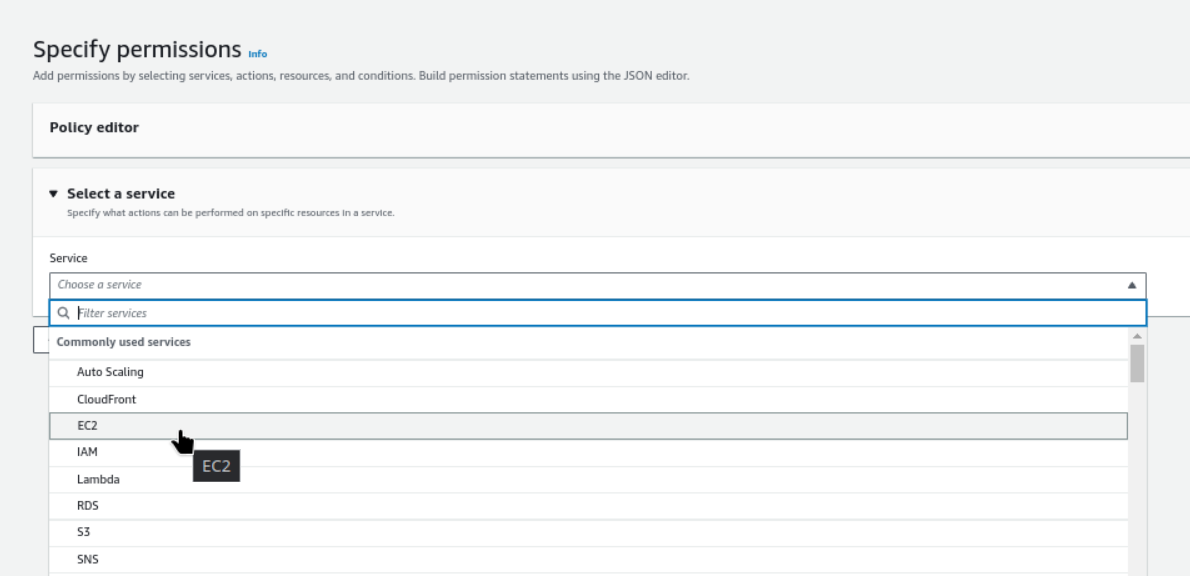
Read-only access to the EC2 console
Name Policy and create
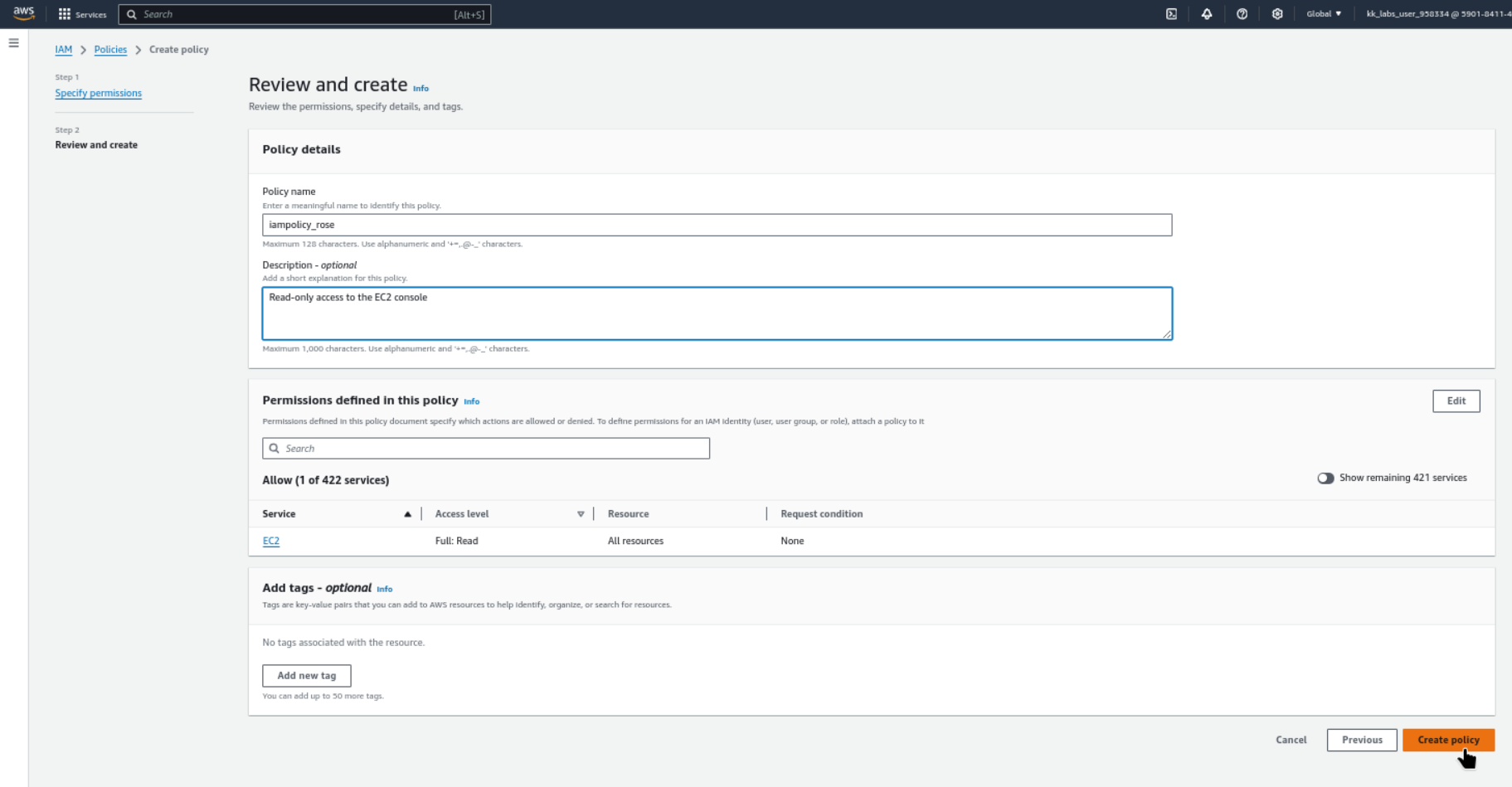
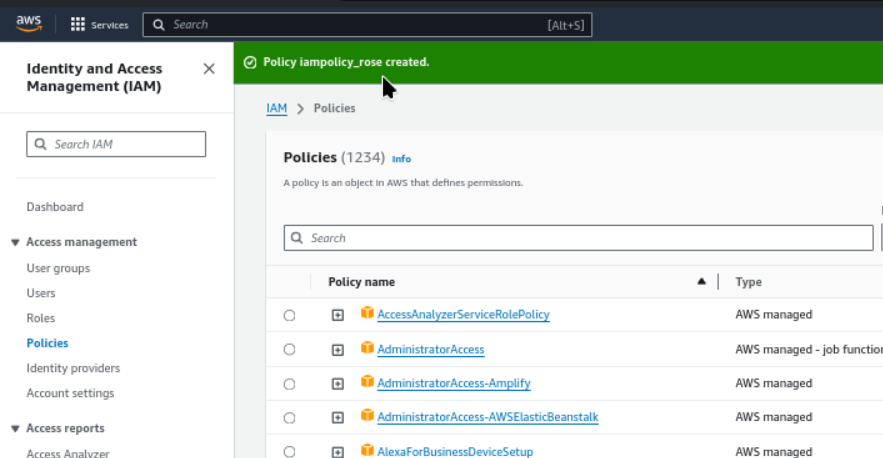
Policy iampolicy_rose created.