

Launch EC2 Instance
Infosec Poet and CAP-certified DevOps/SecOps Engineer, passionate about security, creativity, and continuous learning.
Tasks
For this task, create an EC2 instance with following requirements:
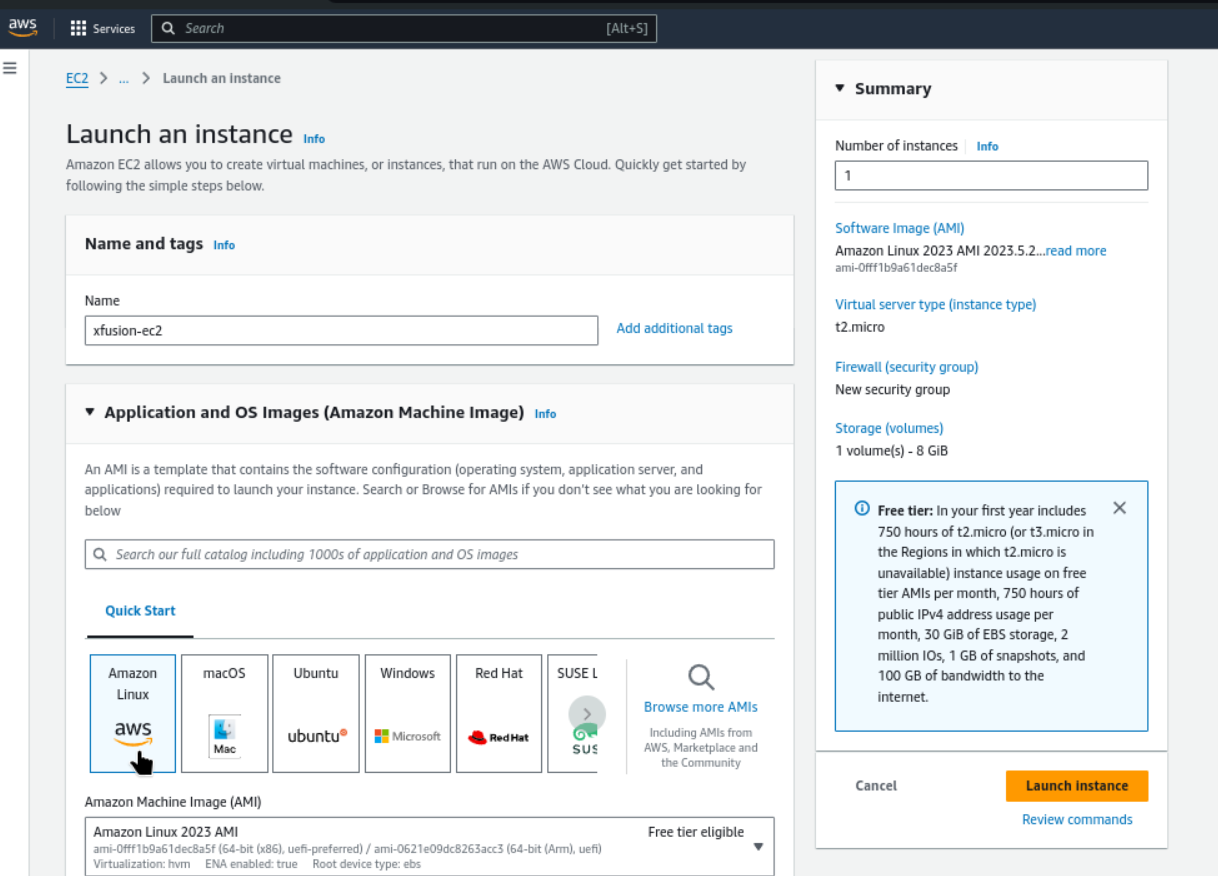
1) The name of the instance must be
xfusion-ec2.2) You can use the
Amazon LinuxAMI to launch this instance.3) The Instance type must be
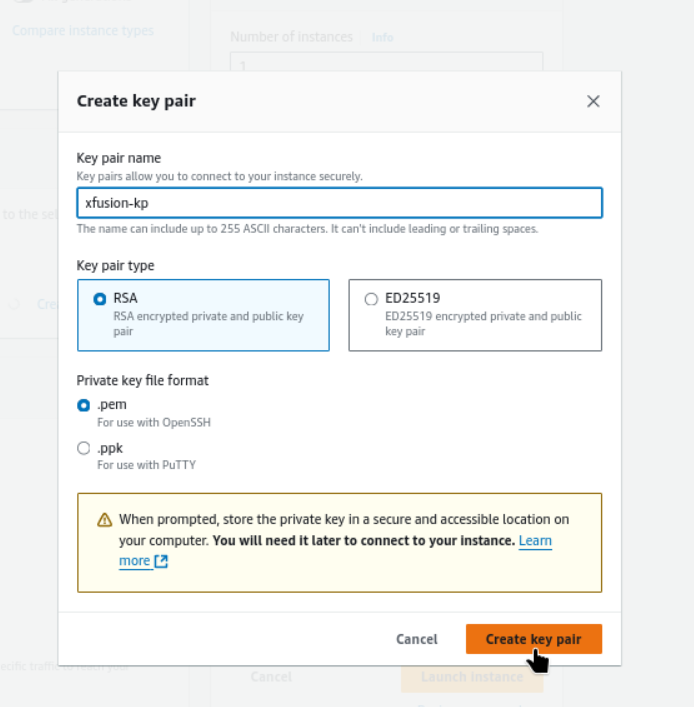
t2.micro.4) Create a new RSA key pair named
xfusion-kp.5) Attach the default (available by default) security group.
Steps
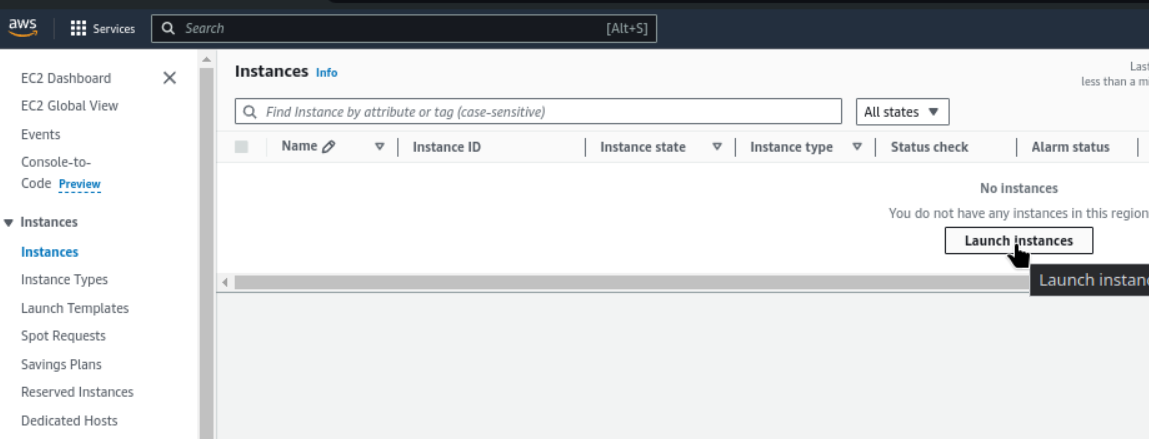
Go to ec2 and you will get instance, let’s start to launch instance now
Now name the instance
xfusion-ec2and choose Amazon Linux AMI with Virtual server type (instance type)t2.micro
Create a RSA key pair as given name
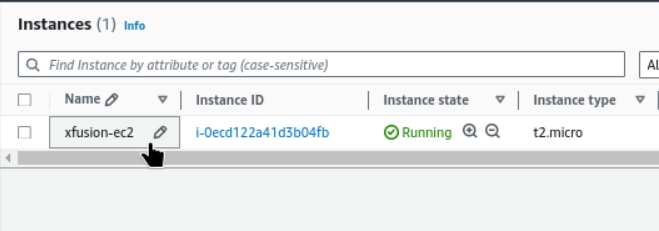
Our instance is successfully created and is on running state now
#happylearning
#ec2instances
#aws


